FlowShot: Figma Prototype Exporter
Export high-quality videos from your Figma prototypes effortlessly. Lightning-fast, cross-platform, and beautifully integrated.
Technologies Used
Project Overview
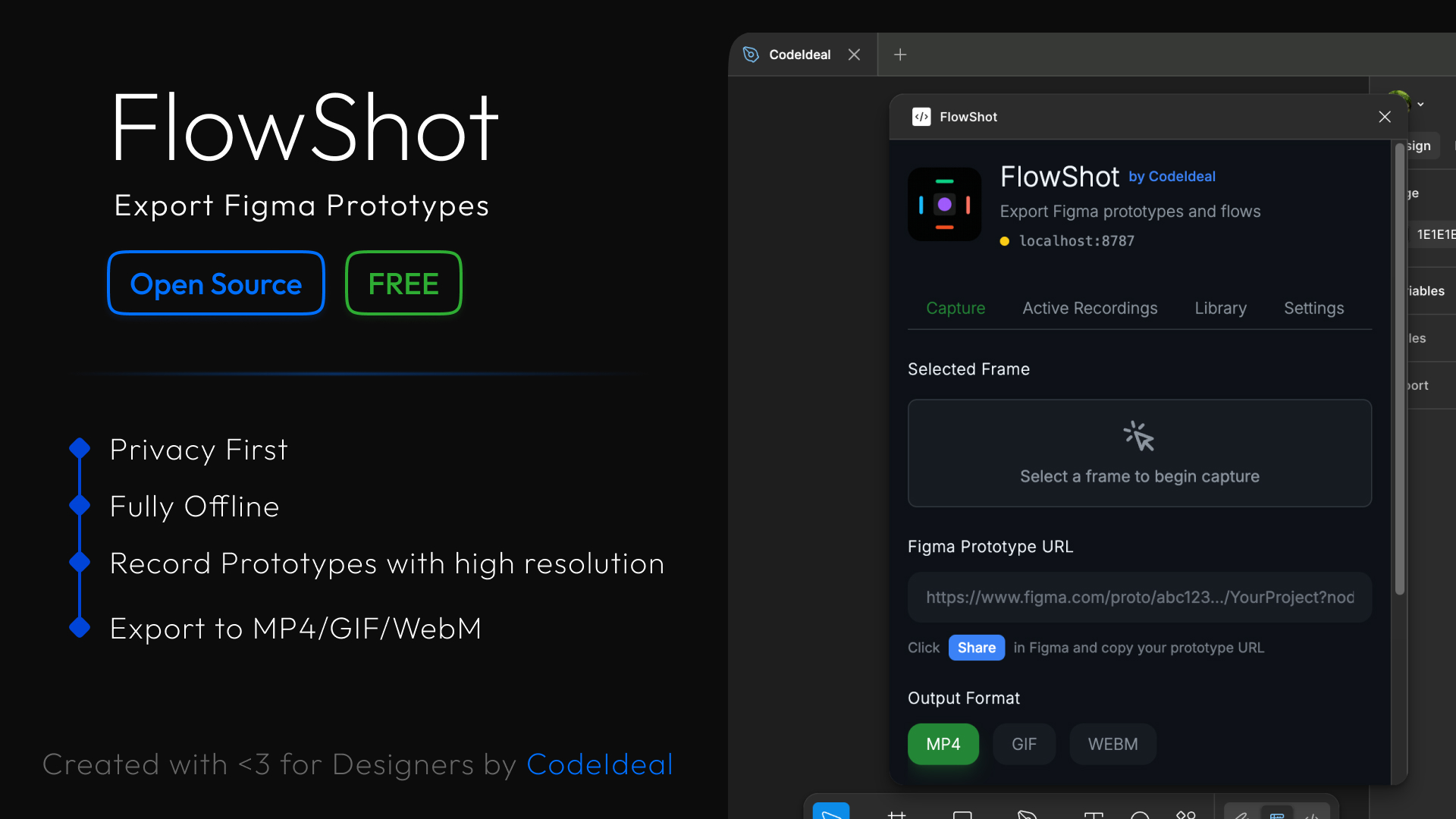
FlowShot turns your interactive designs into smooth, high-quality videos with just a few clicks. No screen recording, no cropping, no stress.
Powered by an open-source core using Playwright, TypeScript, and FFmpeg — and built to scale, FlowShot lets you export your prototype flows exactly as they look and feel inside Figma.
Whether you're a designer sharing interactions, or a developer demoing a product, FlowShot gives you clean visuals you can trust.
✨ Key Features
- 👉 Customize export settings
- 👉 Record any flow, in any size
- 👉 Use locally or connect to your own server
- ⚡ Lightning fast — built with Tauri for native performance
- 🔒 Secure & private — your prototypes never leave your machine
- 🔓 Open source — contribute, customize, and extend as needed
🚀 The FlowShot Story
FlowShot was born out of a real need I had: I wanted a clean, reliable way to export Figma prototype flows as videos — without relying on glitchy screen recordings, paid tools, or hacks that barely worked.
So I built my own solution — and kept it open, modular, and developer-friendly from the start.
🏗️ Architecture
Core Engine
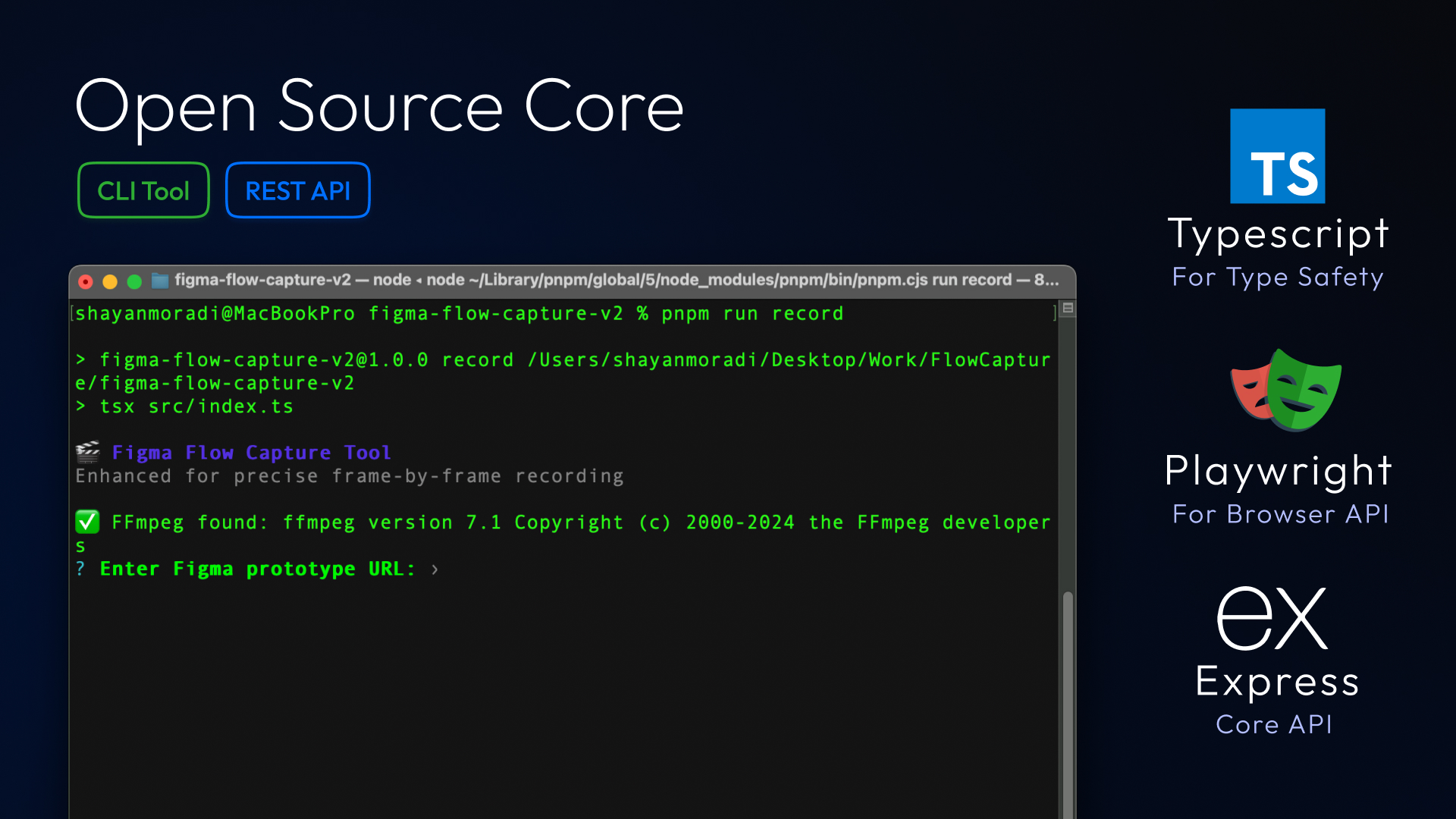
At the heart of FlowShot is a custom recording engine I wrote using Playwright, TypeScript, and Express. It captures full-page Figma prototypes (not just the visible area) and turns them into high-quality frame-perfect videos. This core powers everything — and it's exposed as an open-source CLI tool so developers can use it however they like 💡
Desktop Application
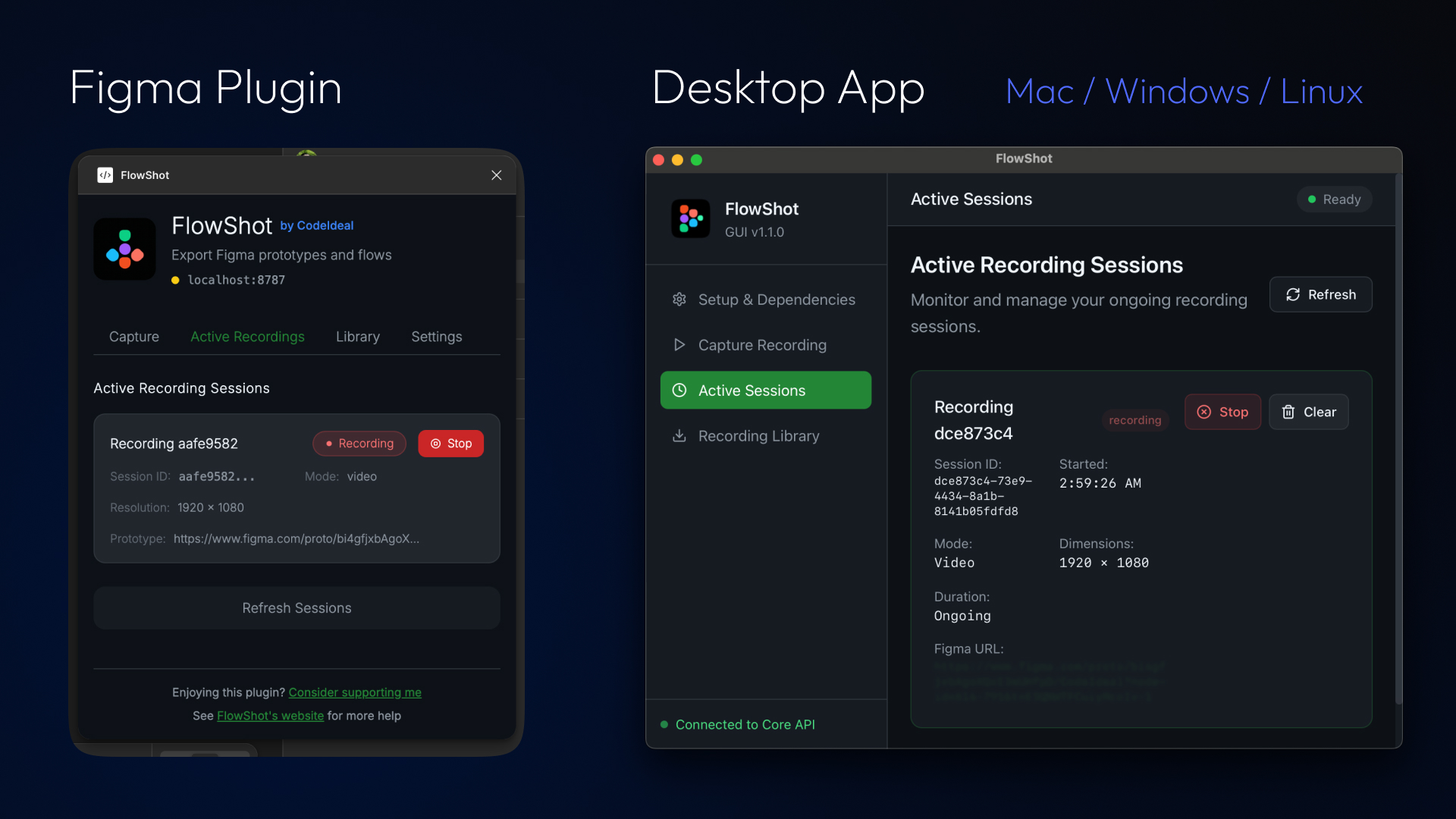
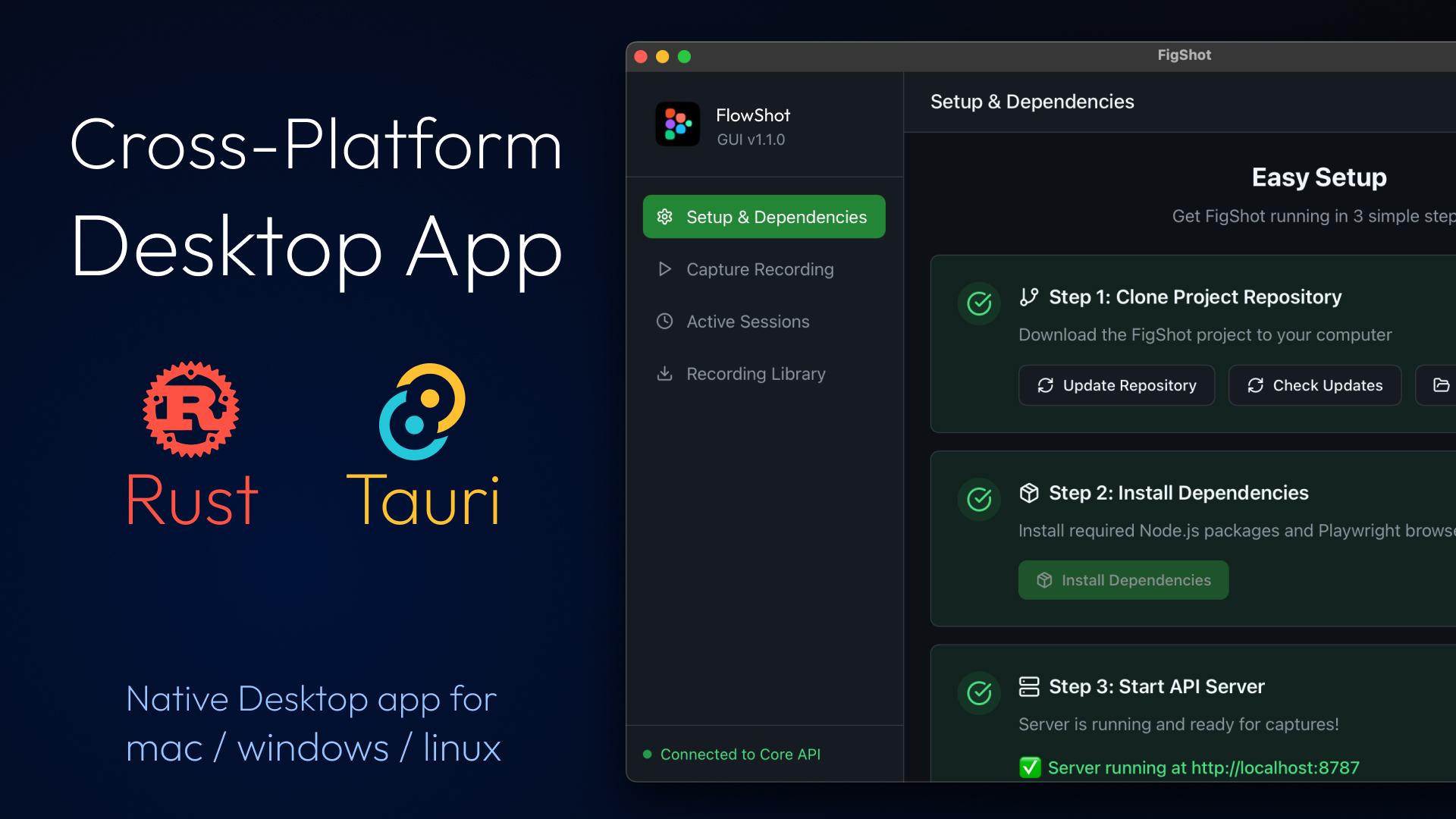
Built with Tauri and Rust, the cross-platform desktop app wraps the core engine in a clean UI and makes setup painless. The app checks for system dependencies (like Node, FFmpeg, and Git) and installs everything automatically if needed — making it accessible even to non-devs.
Export Formats
Thanks to FFmpeg integration, FlowShot supports multiple output formats, so you can export MP4s, GIFs, or even transparent image sequences depending on your needs 🎥
Figma Plugin
A modern, friendly Figma plugin acts as a connector. It sends your prototype details directly to the local app or CLI, letting you export with just a few clicks — no browser setup or weird links needed.
Why Choose FlowShot?
⚡ Lightning Fast
Built with Tauri for native performance and efficiency. No web bloat, just pure speed.
🔒 Secure & Private
Your prototypes never leave your machine. Complete privacy and security guaranteed.
🔓 Open Source
Built in the open, for the community. Contribute, customize, and extend as needed.
🎬 High Quality Exports
Export prototypes in stunning quality with perfect frame timing and smooth animations.
🎯 Advanced Automation
Leverages Playwright's powerful automation to capture complex interactions seamlessly.
🎨 Designer Focused
Built by designers, for designers. Every detail crafted for the perfect workflow.
🖥️ Multi-Platform Support
FlowShot works seamlessly across all major operating systems:
- macOS (Intel & Apple Silicon)
- Windows (x64 & ARM64)
- Linux (x64 & ARM64)
🔧 Technical Stack
- Frontend: React + TypeScript
- Desktop: Tauri + Rust
- Core Engine: Playwright + Express + FFmpeg
- Figma Plugin: TypeScript + Figma API
Vision
The whole vision behind FlowShot is to give designers and developers a free, open, and powerful way to showcase their ideas beautifully — without friction, without limits.
I didn't build it just to scratch my own itch — I built it because I believe we deserve better tools that stay out of the way and help us focus on the creative flow ✨
Get Started
- 📥 Download the desktop app
- 📦 Install the Figma plugin
- 🔗 Use the REST API for custom integrations
- ⌨️ Use the CLI for automation workflows
Free, open source, and built by someone who needed this tool too.