LexKit: Rich Text Editor on top of Lexical
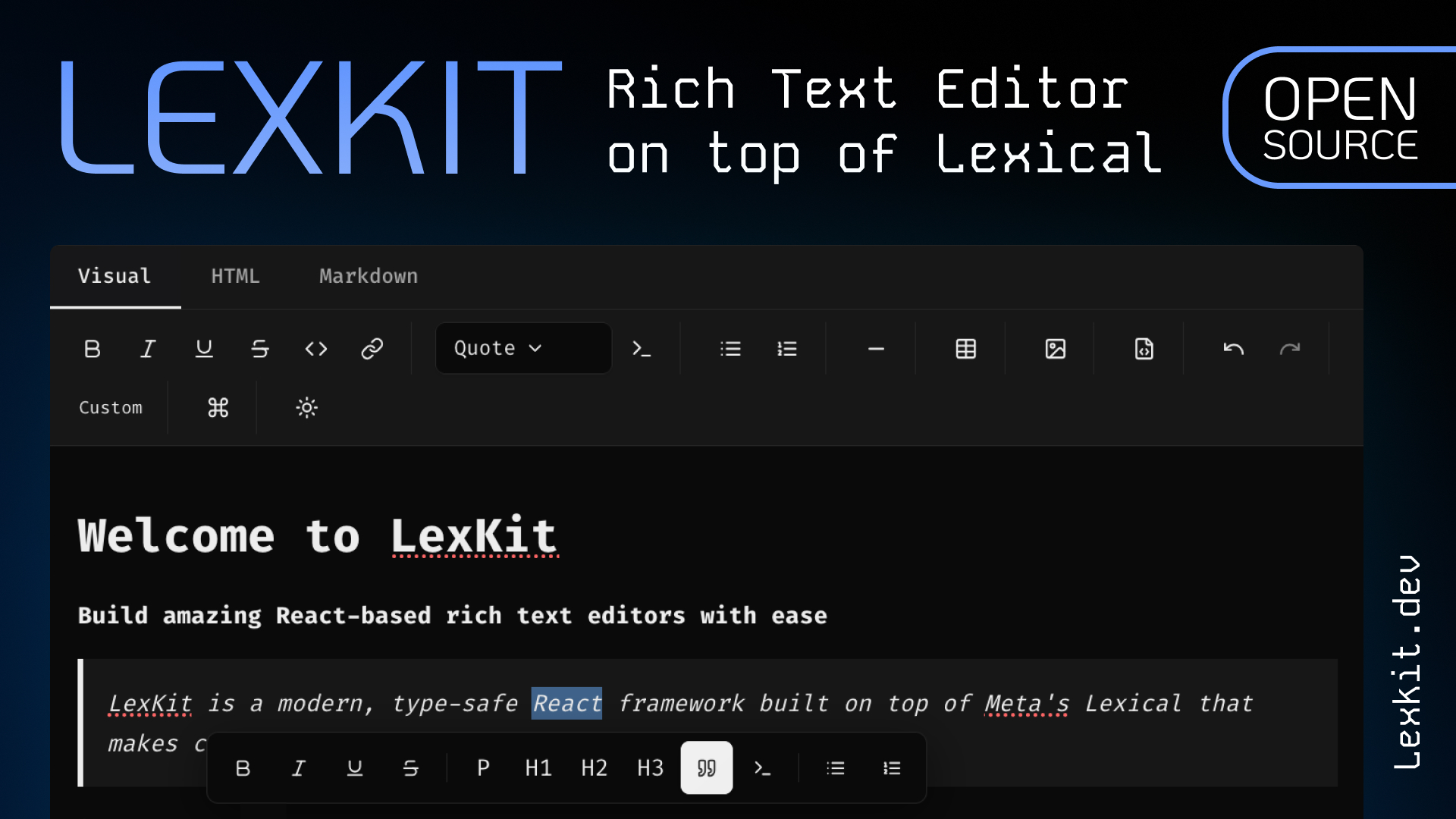
A headless, type-safe React rich text editor built on Lexical with plug-and-play extensions
Technologies Used
LexKit Editor Architecture
Overview
LexKit is a headless, extensible rich text editor built on top of Lexical. It provides a type-safe, plugin-based architecture for building modern editing experiences.
Core Concepts
Extensions
Extensions are the fundamental building blocks of LexKit. Each extension provides specific functionality:
- Commands: Actions that modify the editor state
- State Queries: Functions to check current editor state
- Nodes: Custom Lexical nodes for content types
- Plugins: React components for additional UI
Editor System
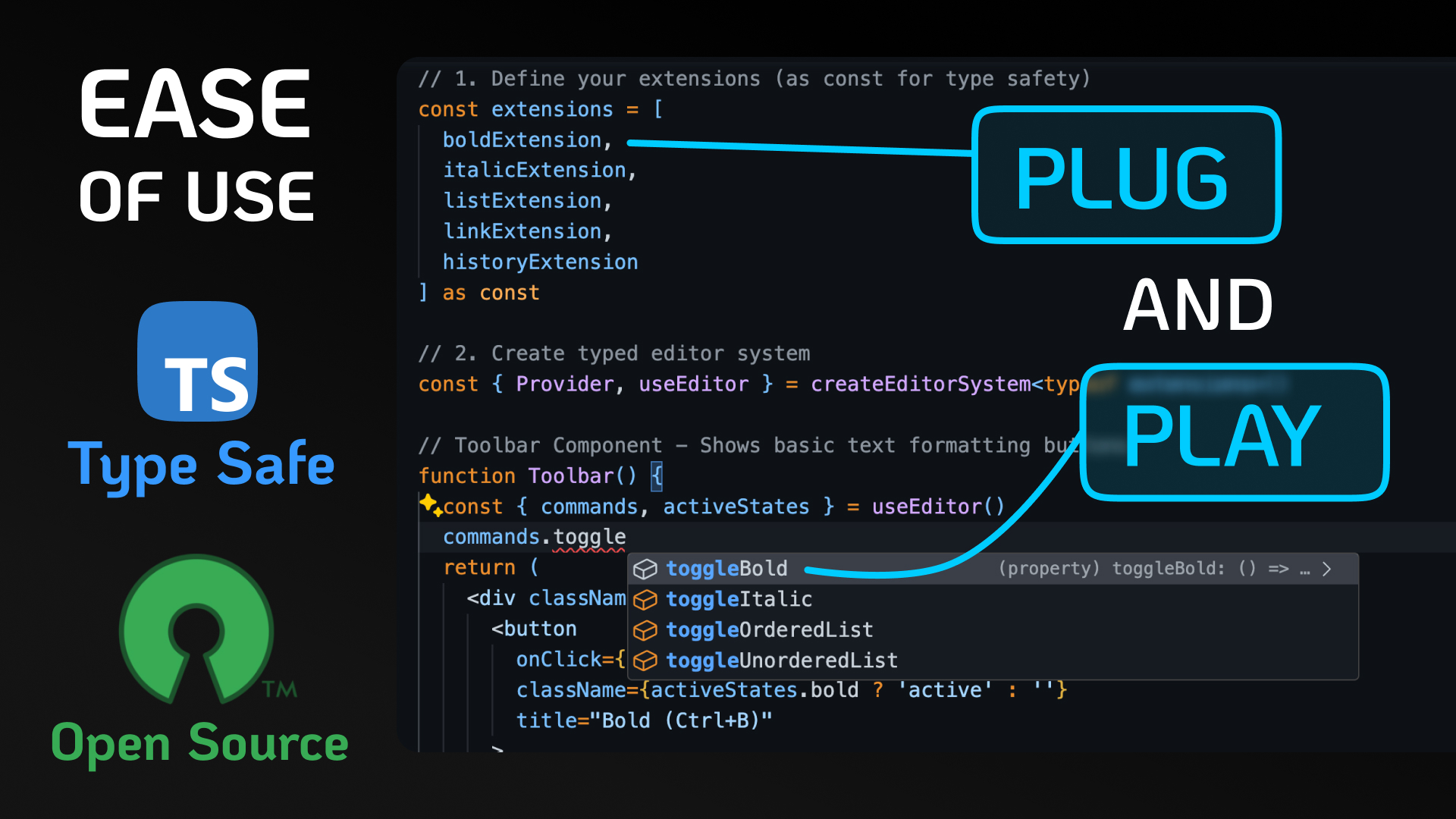
The createEditorSystem function creates a typed editor context based on the extensions array:
const extensions = [boldExtension, italicExtension] as const;
const { Provider, useEditor } = createEditorSystem<typeof extensions>();
This provides:
- Strongly typed commands and state
- Automatic plugin aggregation
- Extension lifecycle management
Type System
LexKit uses advanced TypeScript features for type safety:
- ExtractCommands: Merges commands from all extensions
- ExtractStateQueries: Merges state queries from all extensions
- Literal Types: Extension names are literal types for better IntelliSense
Extension Lifecycle
- Registration: Extensions register with the Lexical editor
- Command Aggregation: Commands are collected and made available
- State Tracking: State queries are executed on editor updates
- Plugin Rendering: React plugins are rendered in the editor
Key Components
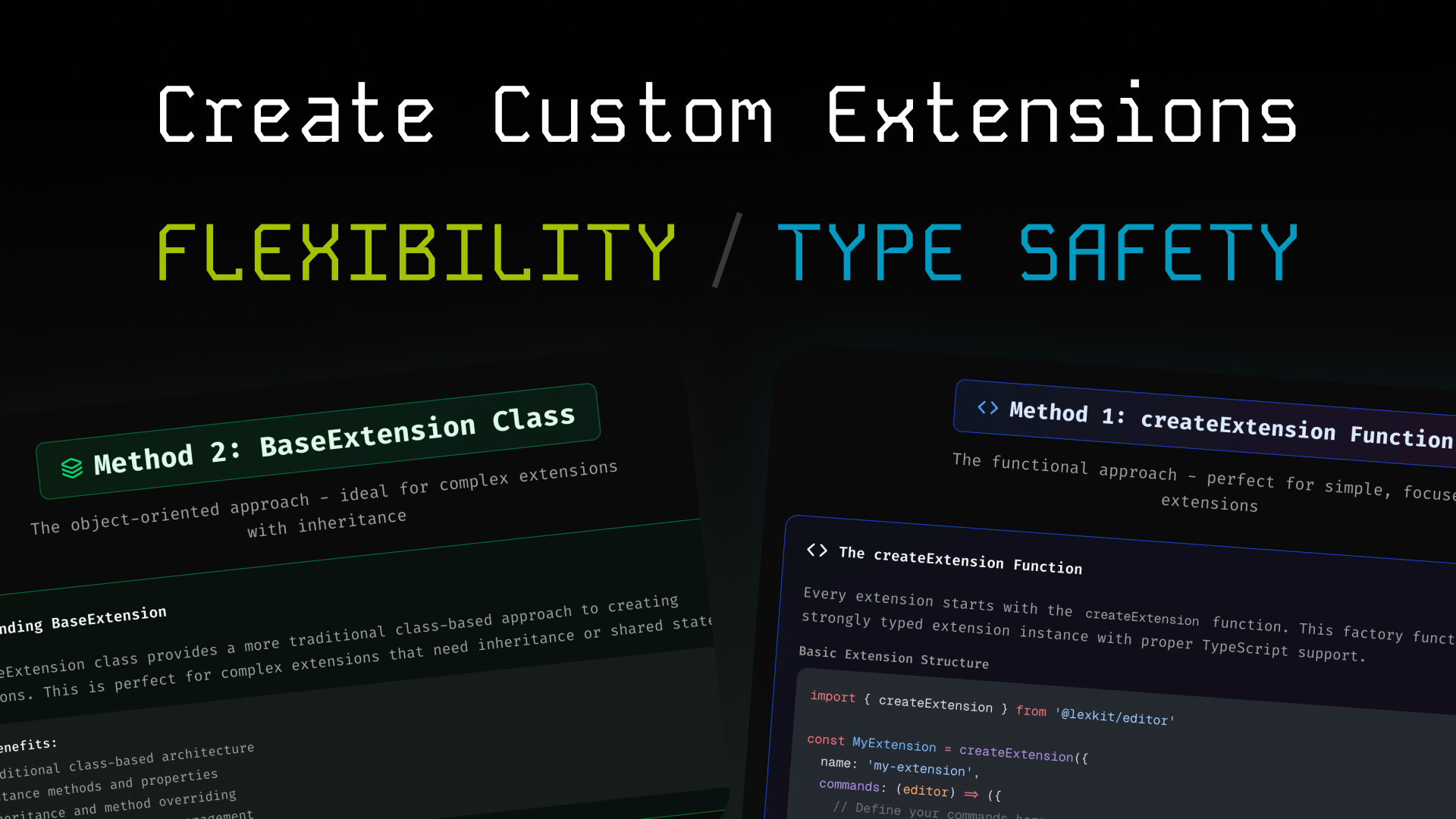
Abstract base class providing common functionality:
abstract class BaseExtension<Name, Config, Commands, StateQueries, Plugins> {
  name: Name;
  config: Config;
  category: ExtensionCategory[];

  abstract register(editor: LexicalEditor): () => void;
  getCommands(editor: LexicalEditor): Commands;
  getStateQueries(editor: LexicalEditor): StateQueries;
  getPlugins(): Plugins;
}
Usage Patterns
import { createEditorSystem } from "@lexkit/editor";
import { boldExtension, italicExtension } from "@lexkit/editor/extensions";

const extensions = [boldExtension, italicExtension] as const;
const { Provider, useEditor } = createEditorSystem<typeof extensions>();

function Editor() {
  return (
    <Provider extensions={extensions}>
      <Toolbar />
      <EditorContent />
    </Provider>
  );
}
State Management
State queries are async functions that check editor state:
getStateQueries(editor: LexicalEditor) {
  return {
    bold: () => new Promise(resolve => {
      editor.getEditorState().read(() => {
        const selection = $getSelection();
        resolve($isRangeSelection(selection) && selection.hasFormat('bold'));
      });
    })
  };
}
Plugin System
Extensions can provide React plugins:
getPlugins(): ReactNode[] {
  return [<MyPlugin key="my-plugin" />];
}
Configuration
Extensions can be configured:
const configuredExtension = imageExtension.configure({
  uploadHandler: async (file) => {
    /* upload logic */
  },
  defaultAlignment: "center",
});
Best Practices
- Type Safety: Always use as const for extension arrays
- Error Handling: Wrap editor operations in try-catch blocks
- Performance: Memoize expensive state queries
- Accessibility: Provide proper ARIA labels and keyboard navigation
Future Enhancements
- Dynamic extension loading
- Collaborative editing
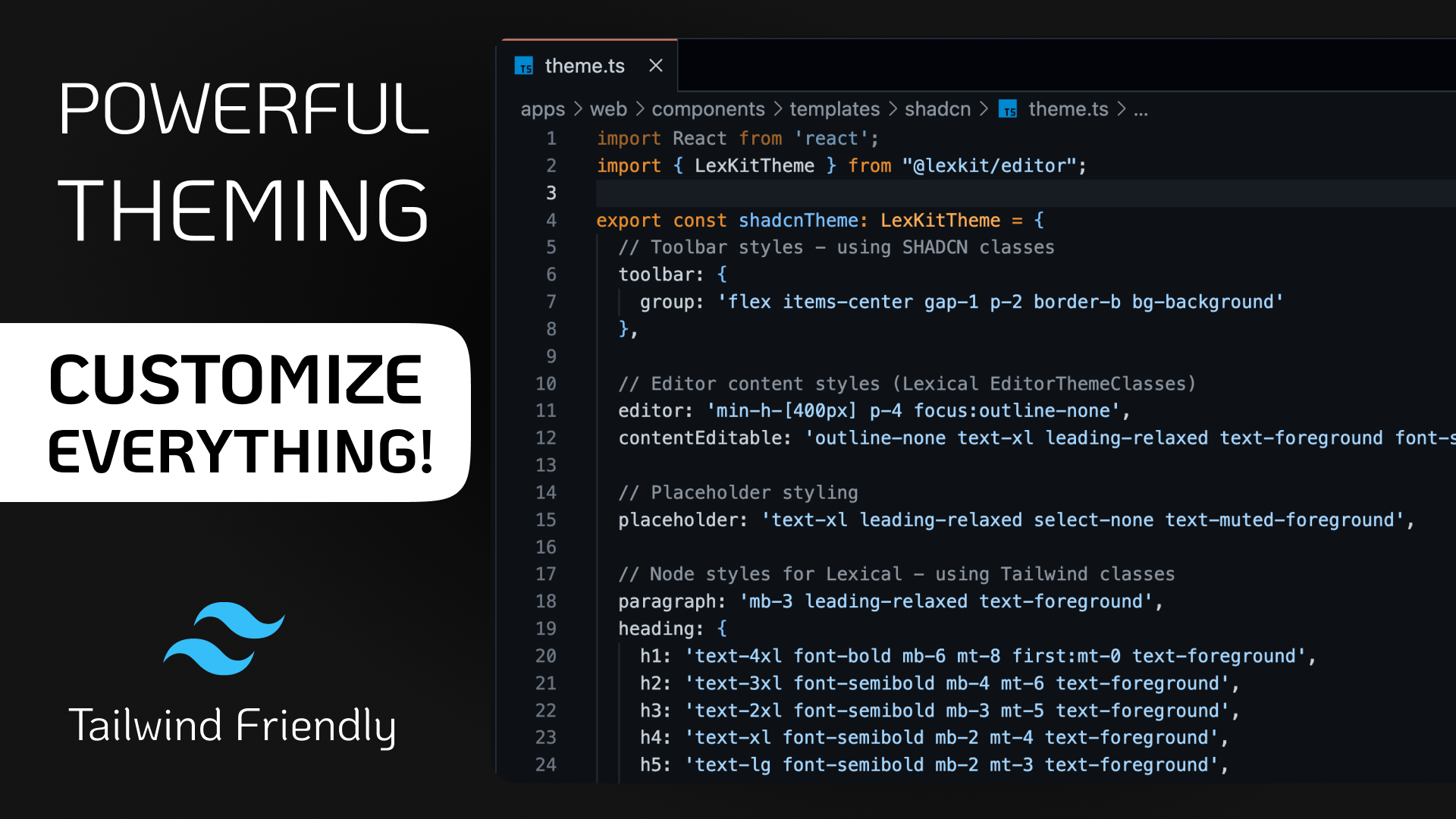
- Advanced theming
- Plugin marketplace
LexKit Monorepo Architecture
Overview
A modern monorepo built with pnpm workspaces and Turbo, containing a headless, type-safe rich text editor library built on Meta's Lexical, along with its documentation website, shared UI components, and development tooling.
Monorepo Structure
lexkit/
├── apps/
│   └── web/                 # Next.js documentation and demo site
├── packages/
│   ├── editor/              # Core @lexkit/editor package
│   ├── ui/                  # Shared UI components (@repo/ui)
│   ├── meta/                # Convenience re-export package
│   ├── eslint-config/       # Shared ESLint configurations
│   └── typescript-config/   # Shared TypeScript configurations
├── package.json             # Root package with workspace scripts
├── pnpm-workspace.yaml      # Workspace configuration
├── turbo.json               # Build orchestration config
└── tsconfig.json            # Root TypeScript config
Technology Stack
| Category | Technology |
|---|---|
| Package Manager | pnpm with workspaces |
| Build Orchestration | Turbo |
| Language | TypeScript |
| Framework | React 19, Next.js 15 |
| Styling | Tailwind CSS |
| UI Components | Radix UI primitives |
| Editor Foundation | Lexical |
| Deployment | Cloudflare Pages |
Apps
Web App (apps/web)
The main Next.js application serving as the project's website:
- Framework: Next.js 15 with App Router
- Deployment: Cloudflare Pages with next-on-pages
Features:
- Interactive documentation
- Live demo playground
- Code examples and templates
- API reference
Build Process:
- Generates code registry for documentation
- Builds with Next.js
- Deploys via Cloudflare Pages
Packages
The core library providing the type-safe rich text editor:
- Package: @lexkit/editor
- Architecture: Extension-based, headless design
- Build Tool: tsup for ESM/CommonJS bundles
Key Features:
- Type-safe command and state APIs
- Modular extensions system
- Built-in extensions (25+): formatting, lists, images, tables, etc.
- Export capabilities (HTML, Markdown, JSON)
Build System
Turbo Configuration
Turbo orchestrates builds and development tasks:
{
  "tasks": {
    "build": {
      "dependsOn": ["^build"],
      "inputs": ["$TURBO_DEFAULT$", ".env*"],
      "outputs": ["dist/**", ".next/**"]
    },
    "lint": { "dependsOn": ["^lint"] },
    "dev": { "cache": false, "persistent": true },
    "check-types": { "dependsOn": ["^check-types"] }
  }
}- Intelligent caching of build outputs
- Task dependencies between packages
- Concurrent task execution
Development Workflow
- Setup: pnpm install
- Development: pnpm dev
- Building: pnpm build
- Linting: pnpm lint
- Publishing: npm with manual version bumps
Deployment
Web App
- Platform: Cloudflare Pages
- Build: pnpm pages:build
- Deploy: pnpm deploy
Architecture Principles
Type Safety
- Strict TypeScript configuration
- Type inference from extension arrays
- Generic constraints for extension system
Modularity
- Clear separation of concerns
- Workspace packages for shared code
- Extension-based architecture
Performance
- Turbo caching for fast rebuilds
- Tree-shaking friendly packages
- Lazy loading in Next.js
Developer Experience
- Hot reload during development
- Comprehensive documentation
- Interactive playground
- Shared tooling and configs