OpenFields: Modern Custom Fields for WordPress
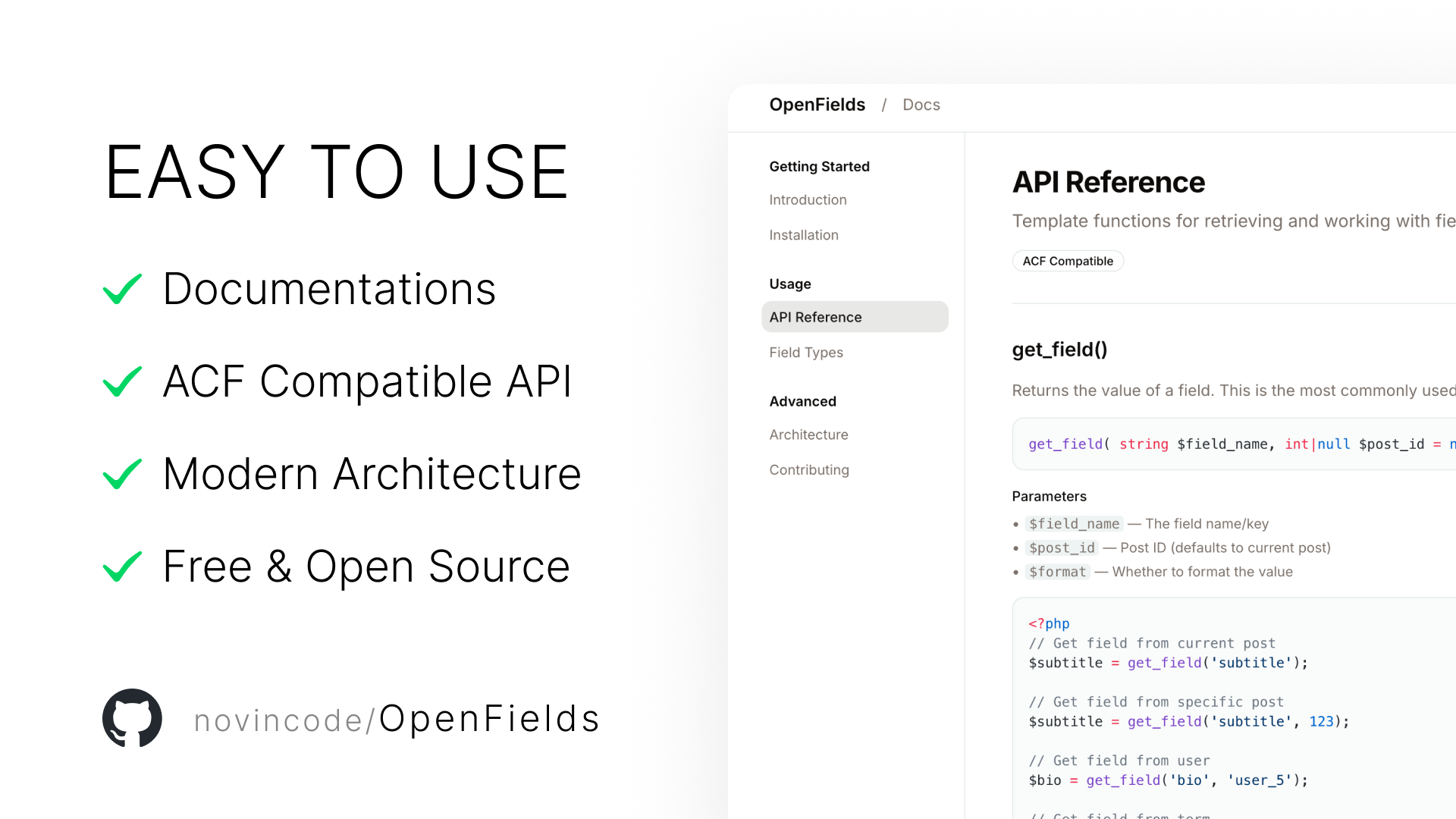
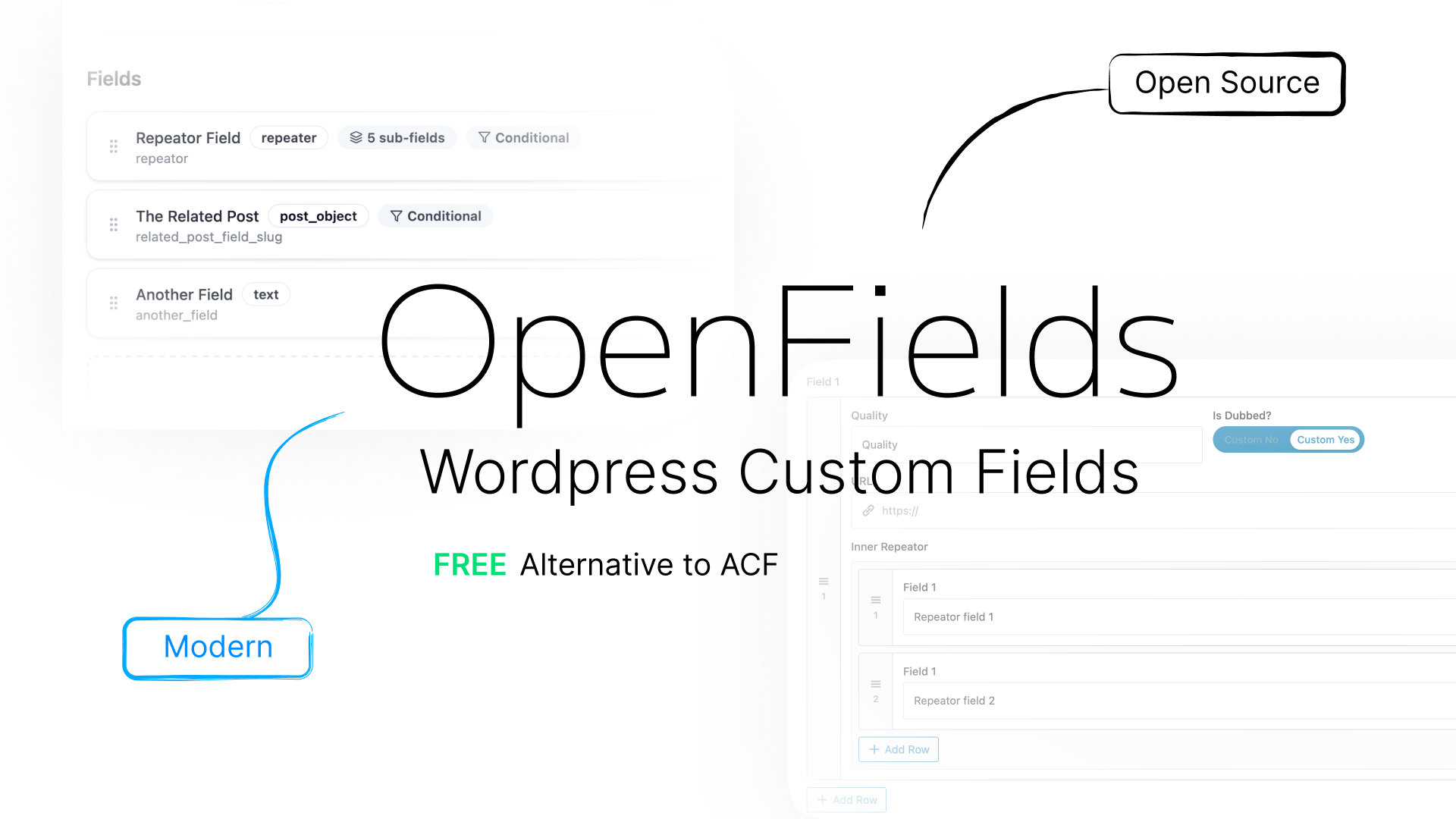
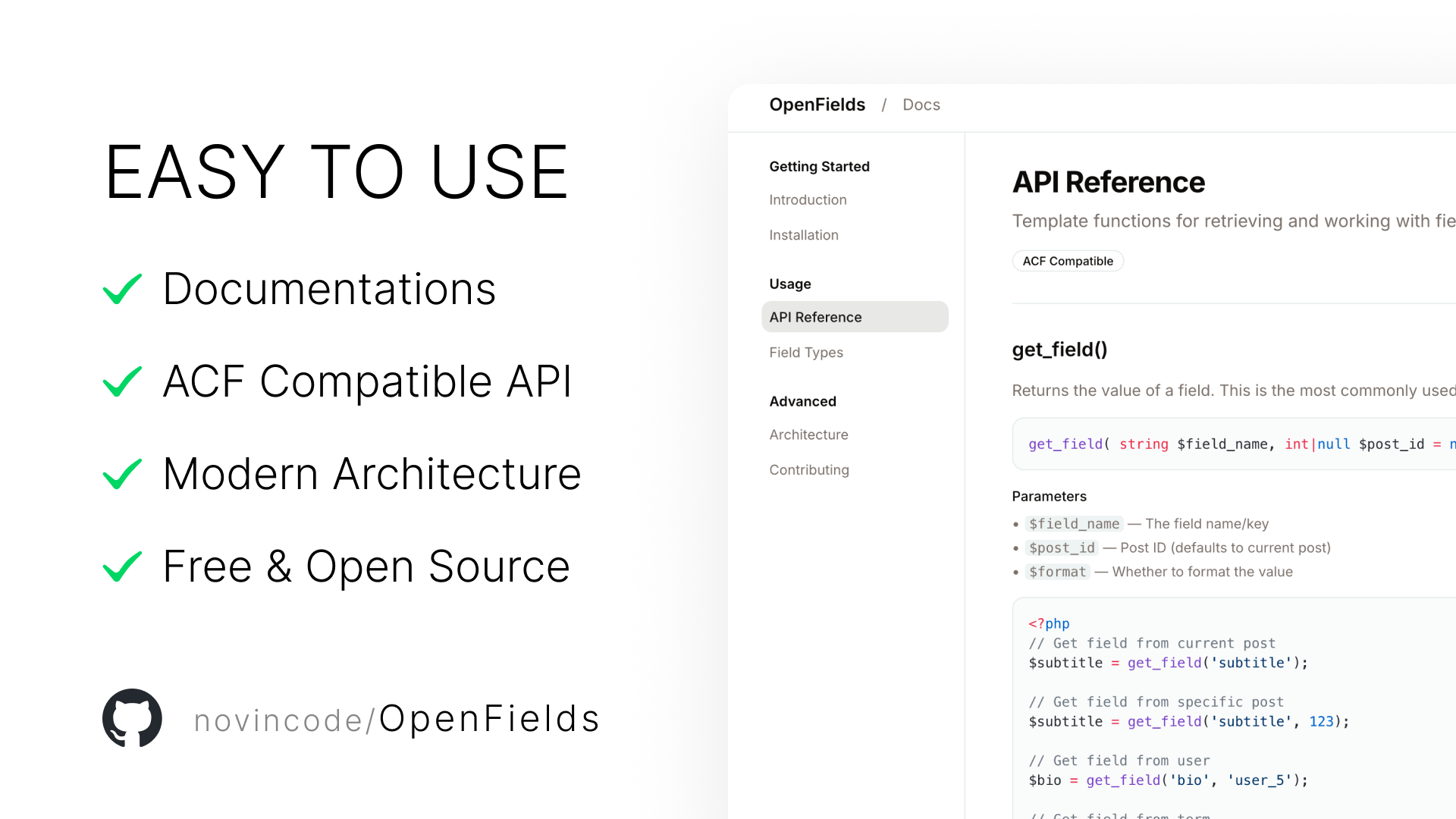
A developer‑friendly, open‑source alternative to ACF – built with React, TypeScript, and REST API. Copy/paste fields, visual location rules, and zero lock‑in.
Technologies Used
OpenFields: Rebuilding Custom Fields for WordPress, the Right Way
Overview
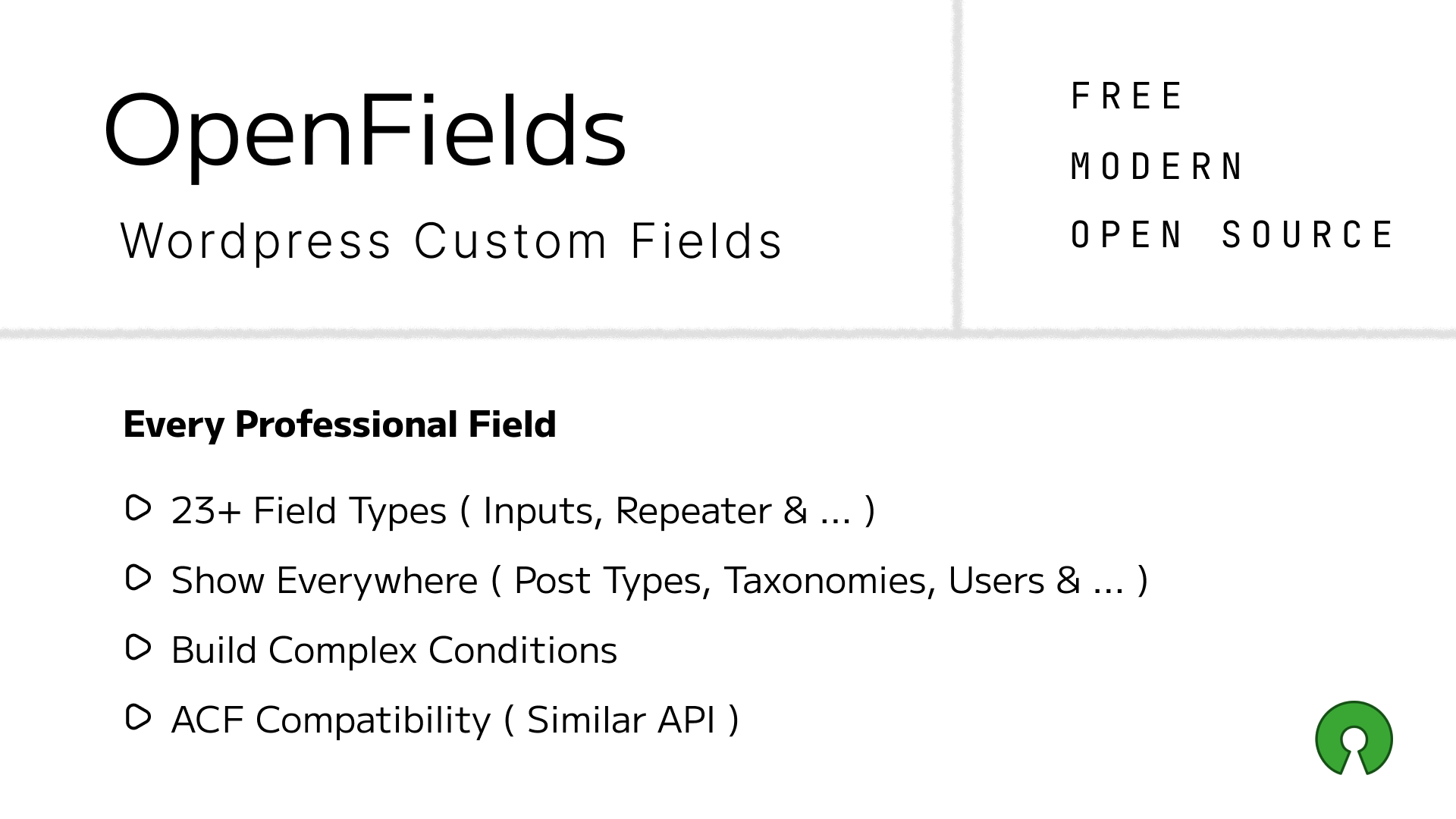
OpenFields is a free, open‑source custom fields plugin for WordPress that combines a modern React admin interface with a developer‑friendly API. It‘s built for those who love ACF’s simplicity but want a tech stack from this decade, full TypeScript support, and zero feature paywalls.
The backend follows WordPress coding standards, while the admin UI is a type‑safe React SPA powered by Zustand, Tailwind, and shadcn/ui. All communication happens via a clean REST API, and fields are stored in native meta tables with a configurable prefix (default: of_).
Why Another Custom Fields Plugin?
“ACF is great, but its admin UI is still jQuery in 2025, and essential features like repeaters are paywalled.”
OpenFields was born from frustration. I wanted a custom fields solution that:
- ✅ Feels modern – React 18, TypeScript, Vite, Tailwind
- ✅ Never locks features – everything is free, forever
- ✅ Respects developers – full REST API, TypeScript types, predictable behaviour
- ✅ Makes copying fields effortless – no export/import dance, just ⌘C/⌘V and “Send to Fieldset”
The result is a plugin that feels like it was built in 2025 – because it was.
System Architecture
OpenFields is split into two independent parts that communicate via REST.
- Custom tables:
wp_openfields_fieldsets,wp_openfields_fields,wp_openfields_locations - Location manager – evaluates AND/OR rule groups to decide where a fieldset appears
- Meta box renderer – injects fields into post, term, or user edit screens
- REST API – full CRUD for fieldsets, fields, and locations (no admin-ajax)
- Storage abstraction – works with postmeta, termmeta, and usermeta out of the box
// Simplified matching logic
public function match($rules, $context) {
  // rules is array of groups: [ [rule1, rule2], [rule3] ]
  foreach ($rules as $group) {
    $group_match = true;
    foreach ($group as $rule) {
      if (!$this->match_rule($rule, $context)) {
        $group_match = false;
        break;
      }
    }
    if ($group_match) return true; // OR logic
  }
  return false;
}
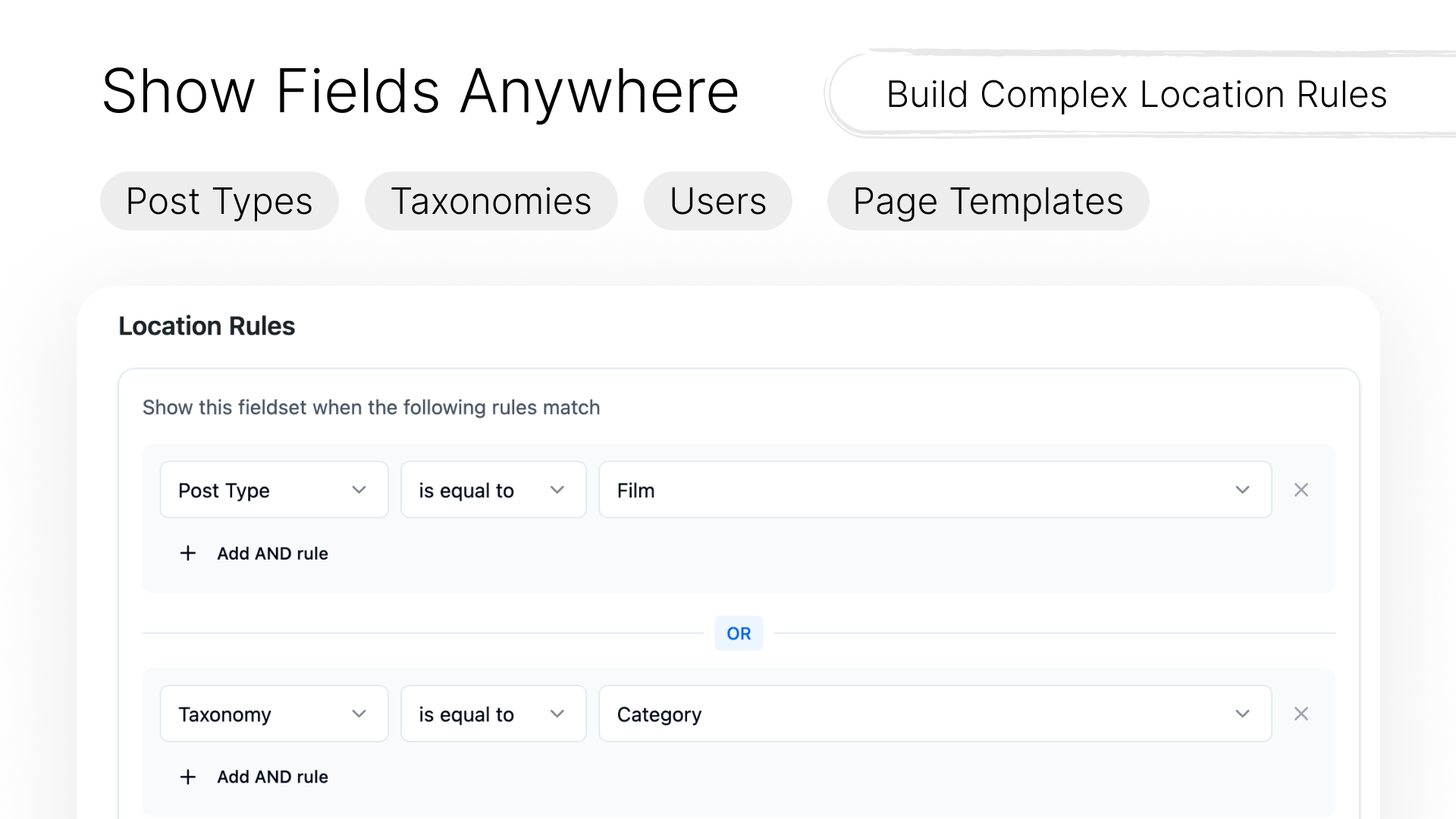
Location Rules: AND/OR Made Visual
One of the most intuitive parts of OpenFields is the location rules builder. Instead of cryptic conditional logic, you get visual groups:
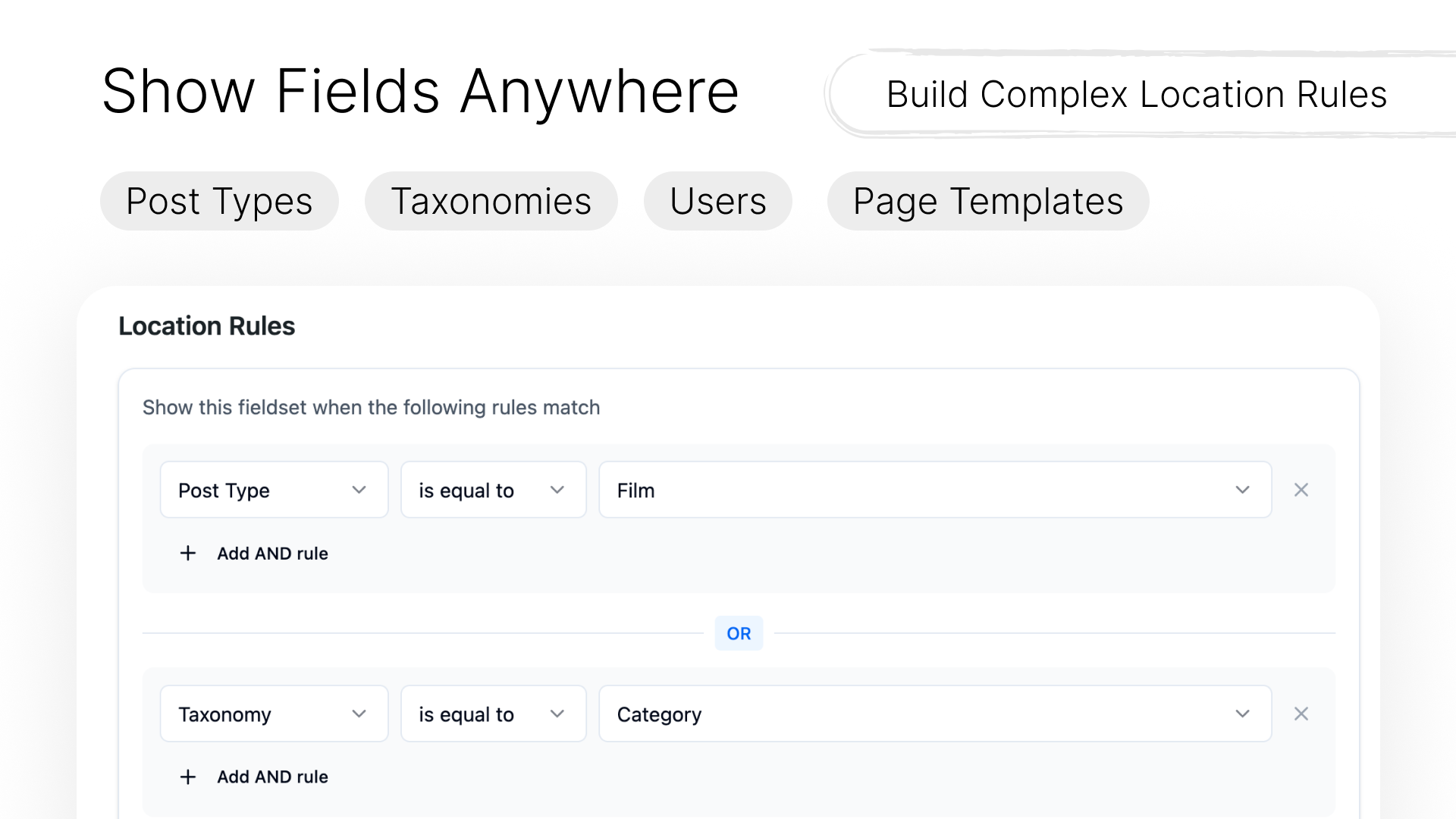
Rules inside the same group are combined with AND. Different groups are combined with OR. This exactly matches how WordPress developers think about conditional display.
wp_openfields_locations with group_id.Field Types & Extensibility
OpenFields already includes a rich set of field types, and adding your own is straightforward.
| Category | Field Types |
|---|---|
| Basic | text, email, textarea, number, url |
| Choice | select, radio, checkbox, switch |
| Media | image, file, gallery, oembed |
| Relational | post_object, taxonomy, user, relationship |
| Layout | group, repeater, flexible content, tab, accordion |
| Advanced | date_picker, time_picker, color_picker, map, code_editor |
Each field type can have its own settings UI – everything from placeholder text to conditional logic and wrapper CSS classes.
// Add a custom field type via the registry
add_action('openfields/register_field_types', function($registry) {
  $registry->register('my_field', [
    'label' => 'My Custom Field',
    'icon' => 'star',
    'settings' => ['custom_option' => 'string'],
    'render_callback' => function($field, $value) {
      echo '<input type="text" name="' . $field['name'] . '" value="' . $value . '">';
    }
  ]);
});
Modern Build Pipeline
The React admin app is built with Vite, and the plugin automatically versions assets using the version from package.json.
cd admin
pnpm install
pnpm dev          # watch mode
# or
pnpm build        # production build
# built assets go to plugin/assets/admin/API First, Headless Ready
Every operation you can do in the UI is also available via REST. This means you can manage fieldsets programmatically, integrate with CI/CD, or build entirely custom frontends.
# Get all fieldsets
GET /wp-json/openfields/v1/fieldsets

# Create a new field
POST /wp-json/openfields/v1/fieldsets/{fieldset_id}/fields
{
  "label": "Featured Image",
  "name": "featured_image",
  "type": "image",
  "settings": {
    "return_format": "url",
    "preview_size": "medium"
  }
}

# Update location rules
PUT /wp-json/openfields/v1/fieldsets/{id}
{
  "settings": {
    "location_groups": [
      {
        "id": "group1",
        "rules": [
          { "type": "post_type", "operator": "==", "value": "page" }
        ]
      }
    ]
  }
}
The API uses manage_options capability, so it‘s safe for admin use. Public read endpoints are on the roadmap.
Open Source, Heart & Sustainability
“OpenFields is my love letter to the WordPress community.”
I’ve been building WordPress sites for over a decade. I‘ve seen how custom fields plugins have become either outdated or outrageously expensive. OpenFields is my attempt to give back – a truly free, modern alternative that doesn’t hold your data hostage.
But maintaining a plugin with a React admin, custom tables, and constant compatibility testing across WordPress versions takes real time. If OpenFields saves you hours of work or makes your clients happy, please consider:
- ⭐ Starring the GitHub repo – helps others discover it
- 🐛 Reporting bugs or sending PRs – every contribution matters
- 💖 Sponsoring me on GitHub – even $5/month helps cover coffee and testing environments
- 📣 Spreading the word – in WordPress meetups, Slack groups, or tweets
No guilt if you can‘t. The code will always be free. I just want to keep it alive.
What’s Next?